


Web-based facility booking
Your facilities,ready to book online
Offer 24/7 self-service booking for offices, co-working spaces and clubhouses. Users can find a facility, check availability and pay through the booking website.
A booking website for your facilities
Let users browse facilities, choose a time and manage their booking online.
Booking website screens are shown in their original interface language.
Find the right facility
Search and filter booking items, then read the facility details before choosing.
- Browse facilities through the booking website.
Check the time and price
See availability and pricing for your chosen facility before placing an order.
- View future schedules online.
- Help avoid double bookings by showing available times.
Keep bookings together in your cart
Add the facilities you want to the shopping cart and manage your order.
- Edit or cancel booking items.
Complete payment online
Pay by credit card or supported stored-value facilities (SVFs) through the booking website.
- Apply eligible promotion codes or member tokens for discounts.
Smart Booking
One workspace for facility bookings
Manage facilities and users in the AMS admin panel. Review current statistics and historical records, then export user reports for analysis.
- DashboardOverall booking information
- UsersAdd and edit user details
- CategoriesFilter facility items
- Booking itemsAdd and edit facilities
- RulesetsDuration, price and availability
- RecordsBooking dates and user details
- MembershipMember pricing levels
- ProductsAttach booking add-on items
- Email templatesConfirmation and cancellation
- ReportsReady-made templates
Connect the website to your facilities
Use the Smart Display add-on at the facility and manage booking options in the backend.
Smart Display add-on
Smart Display is an optional integration that puts facility schedules on a tablet.
- Show booking status and upcoming schedules.
- Scan the facility’s QR code to open its booking website and make a reservation.
Booking options you can manage
Set the rules and options for each booking through the admin panel.
- Configure duration, pricing and availability.
- Set member pricing and attach add-on items.
- Maintain confirmation and cancellation email templates.
Keep facility administration organised
Review activity in the AMS portal
Access and booking records are logged in AMS, with current statistics, history and user report exports available to administrators.
Plan around available times
The website shows room availability and future schedules to support resource planning and avoid double bookings.
Success stories

Registration Solution for Workshop
Workshop
Visitor Registration Solution for Five-star hotel
Hotel

Check-in System for Government Department
Office

Visitor Registration for Luxury Residential Estate Clubhouse
Club House
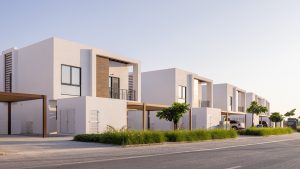
Smart Property for New Residential Building
Residential Building
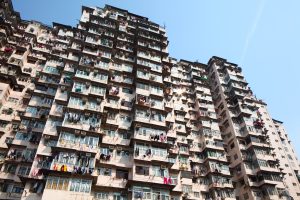
Smart Property for Macau Residential Building
Residential Building

Visitor Registration Solution for Modern Commercial Building
Commercial Building

Visitor Registration Solution for World-Renowned Landmark Commercial Complex
Commercial Building
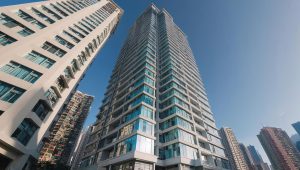
Smart Property Solution for Single-Block Private Building
Residential Building
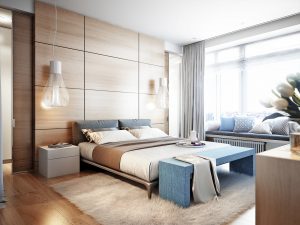
Smart Property for Apartment Hotel
Hotel
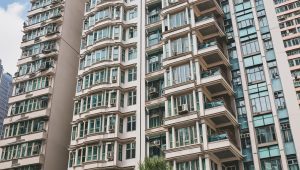
Smart Property Solution for Private Residential Estate
Residential Building
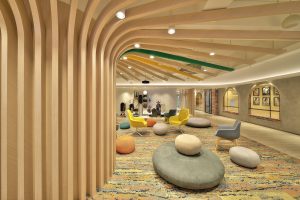
Membership Check-in System for Co-working Space
Club House

Smart Booking for Clubhouse
Club House
Smart Property Solution for Commercial Building
Commercial Building

Smart Access and Booking for Cantonese Opera Clubhouse
Club House
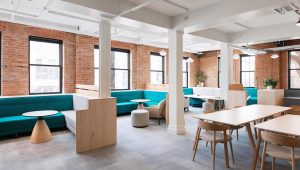
Intercom System Solution for Co-Working Space
Office

Smart Access for International Business Organization
Office
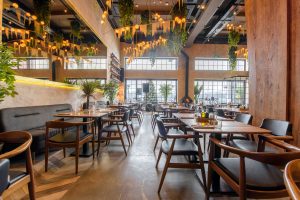
Smart Access for Restaurants
Commercial Building
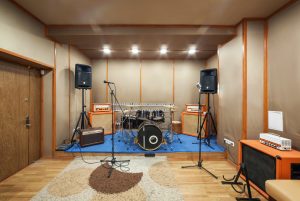
Smart Access and Smart Booking for Self-Service Music Studio
Commercial Building

Smart Access for Institution for Tertiary and Continuing Education
School Campus
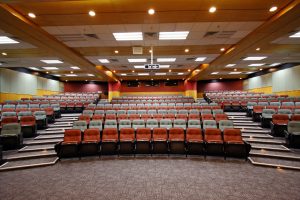
Check-in System for Higher Education Institution
School Campus

Check-in System for Gym Room
Club House

Smart Access for Construction Sites
Commercial Building

Smart Access and Booking for Co-working Space
Office
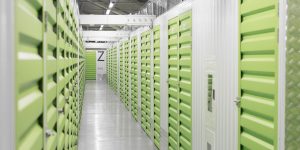
Smart Access for Mini-Storages & Warehouse
Commercial Building
Before we scope your project
Bring these details to the first discussion so the equipment and workflows can be assessed together.
- Which entrances, facilities or resident services should the first phase cover?
- Which existing systems must connect, and who can provide their equipment or API documentation?
Site and equipment
Prepare a site layout, existing equipment models and interface documents. Check network coverage, power, installation space and building-management requirements.
Installation and quotation
Installation scope and schedule follow the site and integration assessment. Ask the quotation to separate software, hardware, installation, integration, support and any recurring charges.
Which product fits your needs?
Start with the work you need to manage. We can confirm the functions and connected equipment for your project.
- Smart Property
- A resident app and management workspace for access, visitors, bookings, notices and payments.
- Explore product
- Smart Access
- Cloud-based door access using QR codes or a virtual button, with access permissions and records.
- Explore product
- Smart Booking
- An online booking website where users can reserve and pay for facilities or other bookable items.
- Explore product

We're here to help
Reach out to us now and discuss how our PropTech solutions fit into your environment
Book a consultation